

Some notes on installing the excellent combat flight simulation “Falcon BMS” on Linux Mint 22.x (currently “xena”, release 3)
Create a new prefix for wine:
mkdir $HOME/falcon_bms_prefix # (for example)
winetricks:
winetricks --self-update
winetricks dotnet40
winetricks dotnet48
winetricks corefonts
winetricks d3dx11_43
winetricks vcrun2022
winetricks dxvk
winetricks d3dcompiler_47
o set virtual desktop
o set emulation to win10
opentrack 2026.1
install from source (word salad machine), optionally with prefix
for neuralnet / facetrack support, get the onnxruntime stuff from github and extract it to src/opentrack/onnxruntime-linux for example, then configure / build opentrack from its source dir:
2045 cmake -B build -DSDK_WINE=ON -DONNXRuntime_DIR=/home/hoover/src/opentrack/onnxruntime-linux
2046 cmake --build build --parallel
2047 cmake --install build
make sure ldd actually finds the onnxruntime libraries by adding the dir to a conf file in /etc/ld.so.conf.d.
install files live in
$HOME/src/opentrack/build install
run with
bin/opentrack
wine plugin setup:
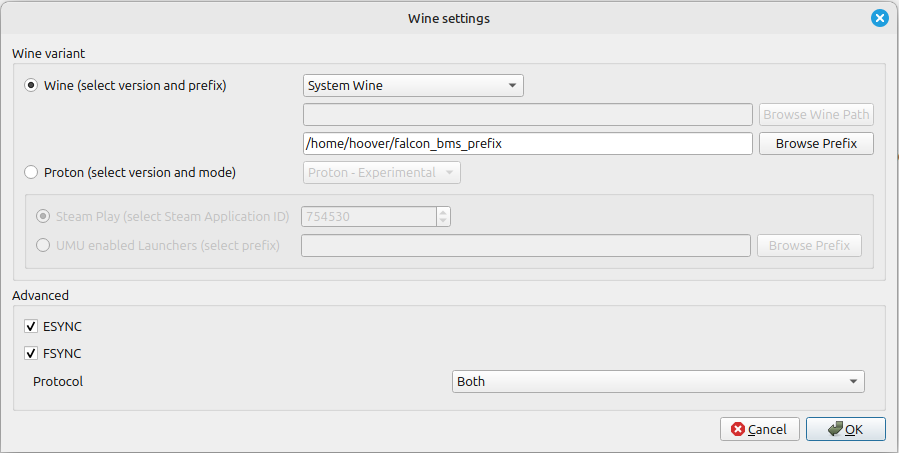
Tracking reset / pause on buttons
falcon BMS control server / client
falcon bms control server working version 0.8 runs under WINE without issues
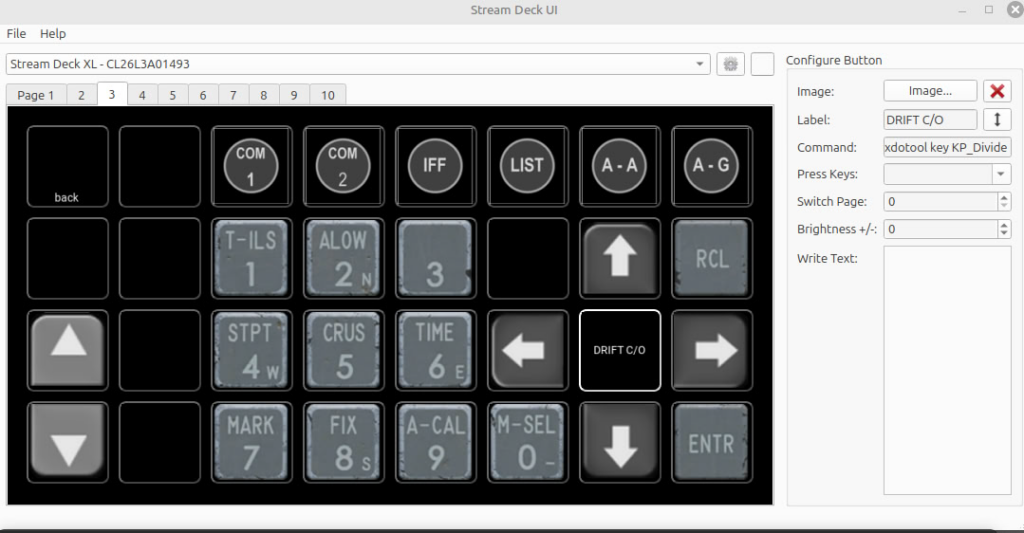
StreamDeck ICP (in progress)
Basic ICP version ready using simple key presses and xdotool where necessary.
https://olaf.uni-graz.at/nextcloud/hoover/index.php/s/byraF8DbR2RnPSF